
Table
Identity is the table.
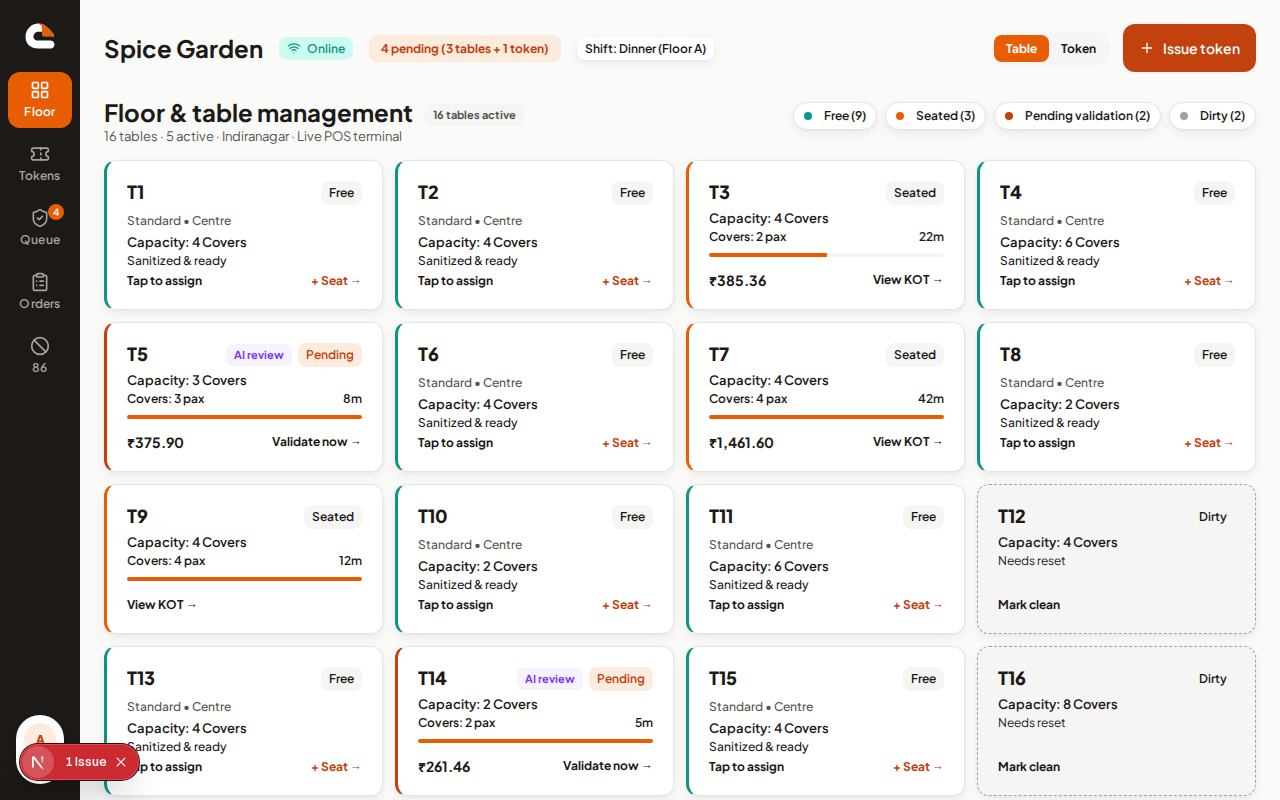
Guests scan a tent. Staff see a floor of seated, free, and pending-validation tables. The check stays on table number until you settle.
3Seated4 covers
7ValidateQR order
12Free2 covers
Dine-in operations
MENU is restaurant software from Octanest for the floor, the counter, and the guest phone — owner console, tablet POS, and QR menu. Table service or token service.
Already on MENU?
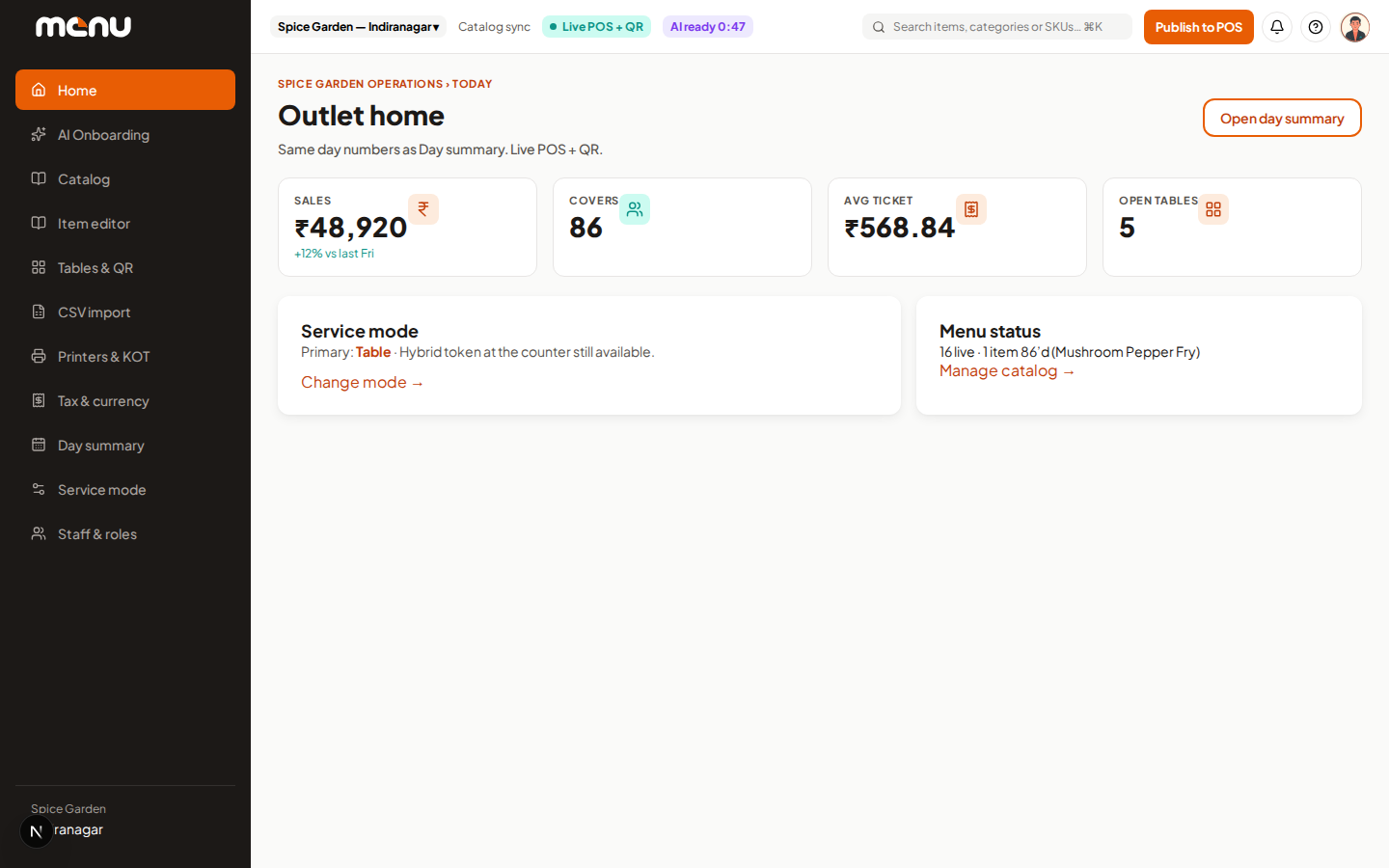
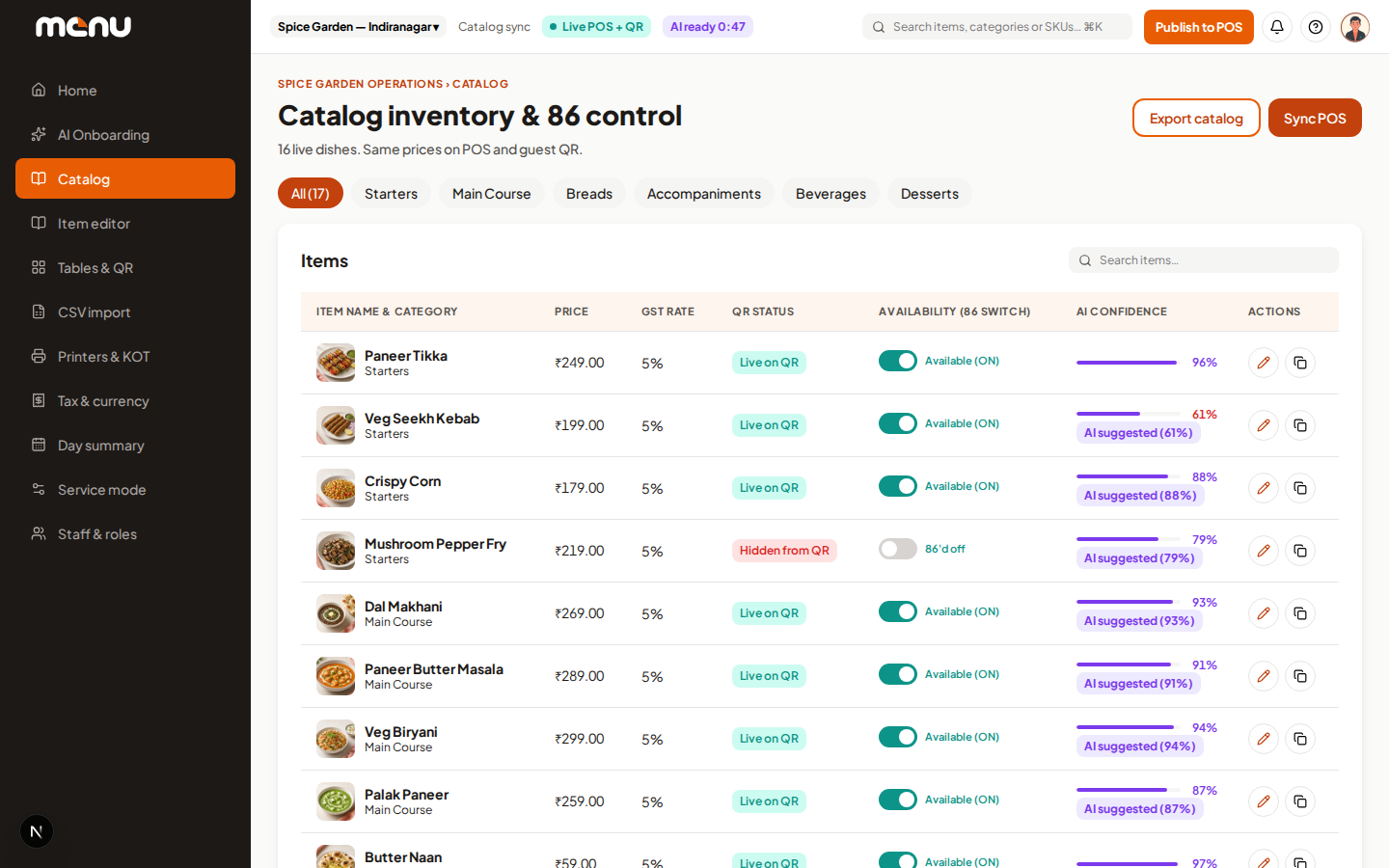
One front door for the whole restaurant. Owners and managers use the console, staff use the POS, guests scan the table QR.
Four steps
A single path from a paper menu to live POS, QR, and kitchen tickets.
Upload a menu photo, PDF, or spreadsheet in the owner console.
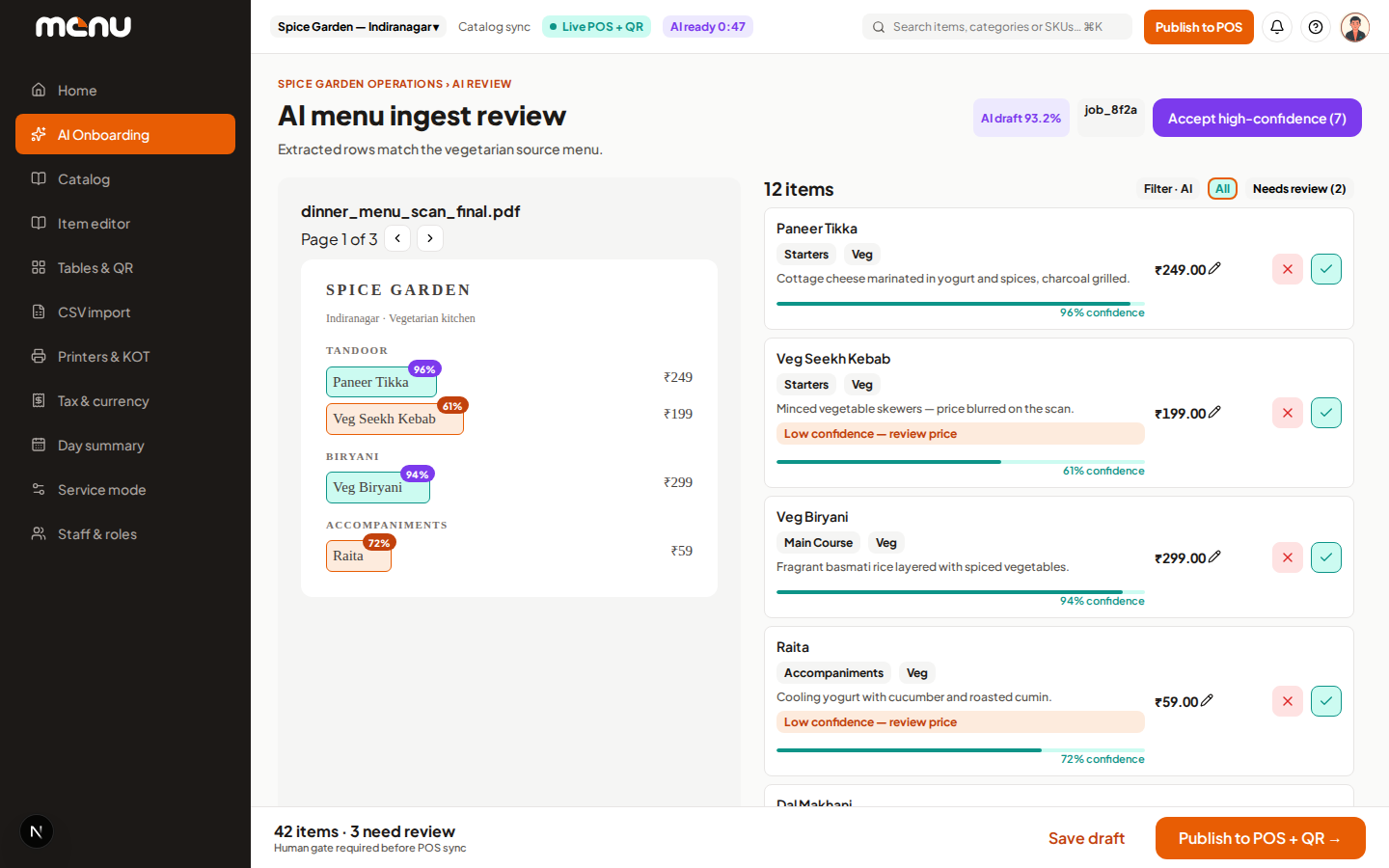
Names, prices, and categories come back as a draft you can edit before anything goes live.
One publish step sends the catalog to the tablet POS and the guest QR menu.
Staff run tables or tokens. Guests order from the phone. You settle on the POS.
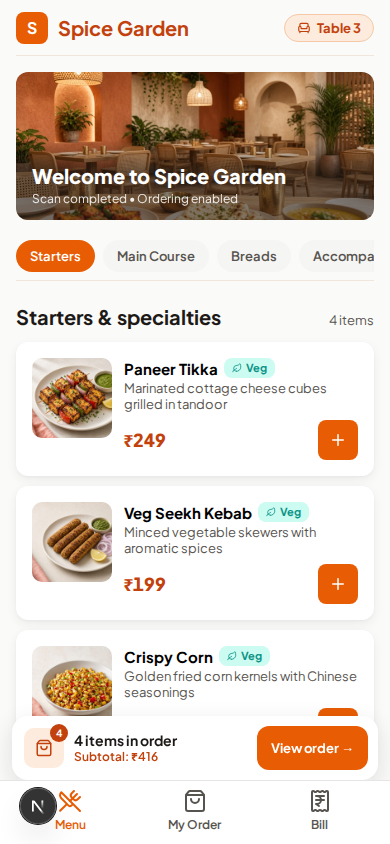
Scan to order
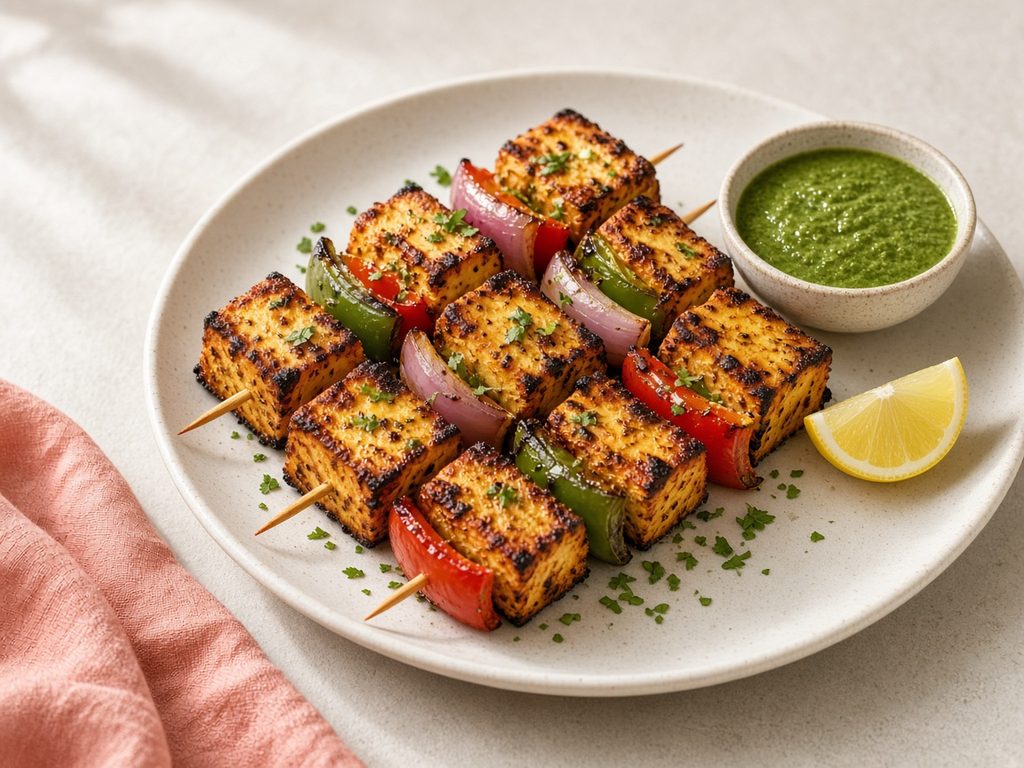
Starters · ₹280
Spice Garden · Counter
The product
Owner, POS, and guest QR are in this release. Staff and kitchen display are marked Coming soon — no mock screenshots.
Scan to order

Optional guest handoff after the order.
A phone app for captains is not in this release. The floor and tokens run on the tablet POS today.
Spice Garden · Counter
Staff / captain mobile is not in this release. Wireframe, not a product screenshot.
A dedicated kitchen screen is not in this release. Tickets print from the POS and owner printer settings.
Spice Garden · Counter
Kitchen display is not in this release. Preview cards, not a product screenshot.
Spice Garden · Counter
Service modes
An outlet runs in table mode or token mode. Hybrid at the same outlet is not in this release.
Table
Guests scan a tent. Staff see a floor of seated, free, and pending-validation tables. The check stays on table number until you settle.
Token
The counter issues the next token. KOT and bill print with the token number. Guests attach via a shared counter QR — not table N.
Capabilities
Catalog, tables or tokens, staff, tax, printers, and a day summary in the browser.
Floor or token board, open checks, guest-order validation, and settlement.
Scan, browse, add modifiers, place the order, and pay from a phone.
Photo or file in, editable catalog out — then you publish.
Inclusive or exclusive GST profiles, shown on POS and guest bills.
The POS can keep taking cash if the network drops. Card and UPI wait for a reconnect.
Guests can save the restaurant on Arounds after they order.
Table tents and inventory from the owner console, with the official MENU mark in the QR.
AI onboarding
The owner console walks a photo or PDF through extract → review → publish. You accept or reject each line before guests or staff see it.

Starters · ₹280
Octanest ecosystem
Auth, catalog, orders, and notifications are shared primitives. Arounds is the guest-facing community app — not a second restaurant stack.
Staff and owner sign-in
Items, prices, 86s
Checks, tokens, rounds
KOT and guest status
 Owner, POS, and guest QR on one catalog.
Save the restaurant
Pricing
MENU is not listed as self-serve plans. Tell us the outlet, service mode, and how many tablets you expect to run. We reply with a pilot shape — not a public price list.